Device Details
Overview
| Name | Version: | HTML INSTRUMENTS 1.0 |
| Author: | RemoDeVico |
| Device Type: | Instrument |
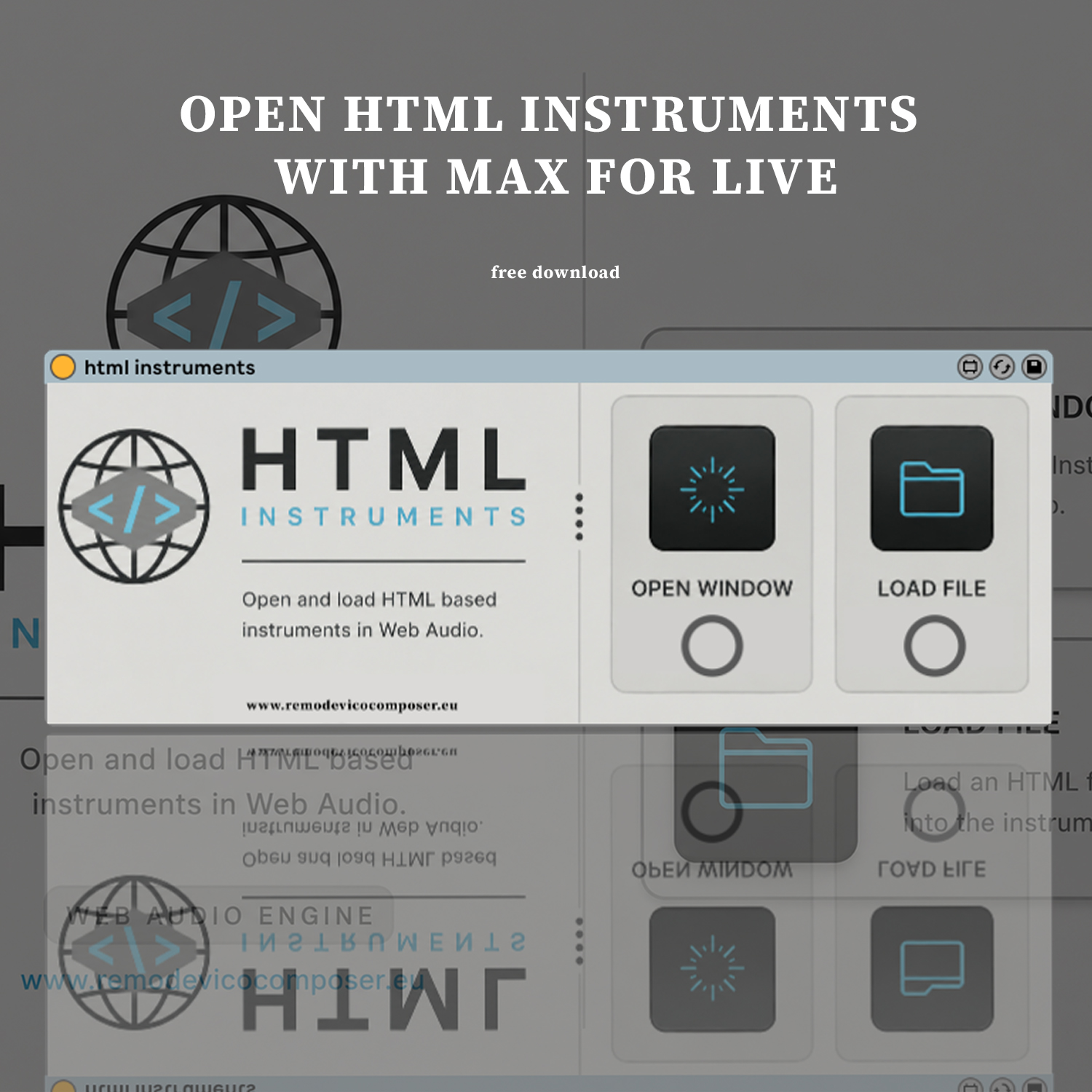
| Description: | Html Instruments is a Max for Live device that lets you open and play any Web Audio HTML instrument directly inside Ableton Live. requires Ableton 12.4.2 HTML Instruments is completely free I'm happy to share it with you. The download includes a few free Web Audio tools you can use right away to test the device. I recommend creating a dedicated folder for your own instruments. HTML files are fully editable, so you can customize and extend any tool to fit your needs, which I find genuinely exciting. And the best part: you can use it with instruments like my Granular Hand Sampler, bringing browser-based tools directly into your Ableton Live workflow. Have fun. |
Details
| Live Version Used: | 12.4.2 |
| Max Version Used: | 9.1 |
| Date Added: | Jun 15 2026 17:14:27 |
| Date Last Updated: | No Updates |
| Downloads: | 0 |
| Website: | https://www.remodevicocomposer.eu/maxforlive/html-instruments/ |
| ⓘ License: | None |
Average Rating
(2) Log in to rate this device |
5 |
Comments
example: https://youtu.be/JntG_OioiVg
Posted on June 15 2026 by RemoDeVico |
Report Issue
This is lovely. Thank you for your passion and creativity.
Posted on June 15 2026 by eRKa |
Report Issue
Really cool device, thanks!
I'm experimenting and I think adding a refresh button would be handy for certain web audio tools. Either way, great work.
I'm experimenting and I think adding a refresh button would be handy for certain web audio tools. Either way, great work.
Posted on June 21 2026 by KalanSorion |
Report Issue
Perhaps it's beyond your control, I found with some tools (pink trombone for example) I still got pops and clicks at max buffer size
Posted on June 21 2026 by KalanSorion |
Report Issue
Login to comment on this device.
Browse the full library