Device Details
Overview
| Name | Version: | MetroGnome 1.0 |
| Author: | epiego |
| Device Type: | MIDI Effect |
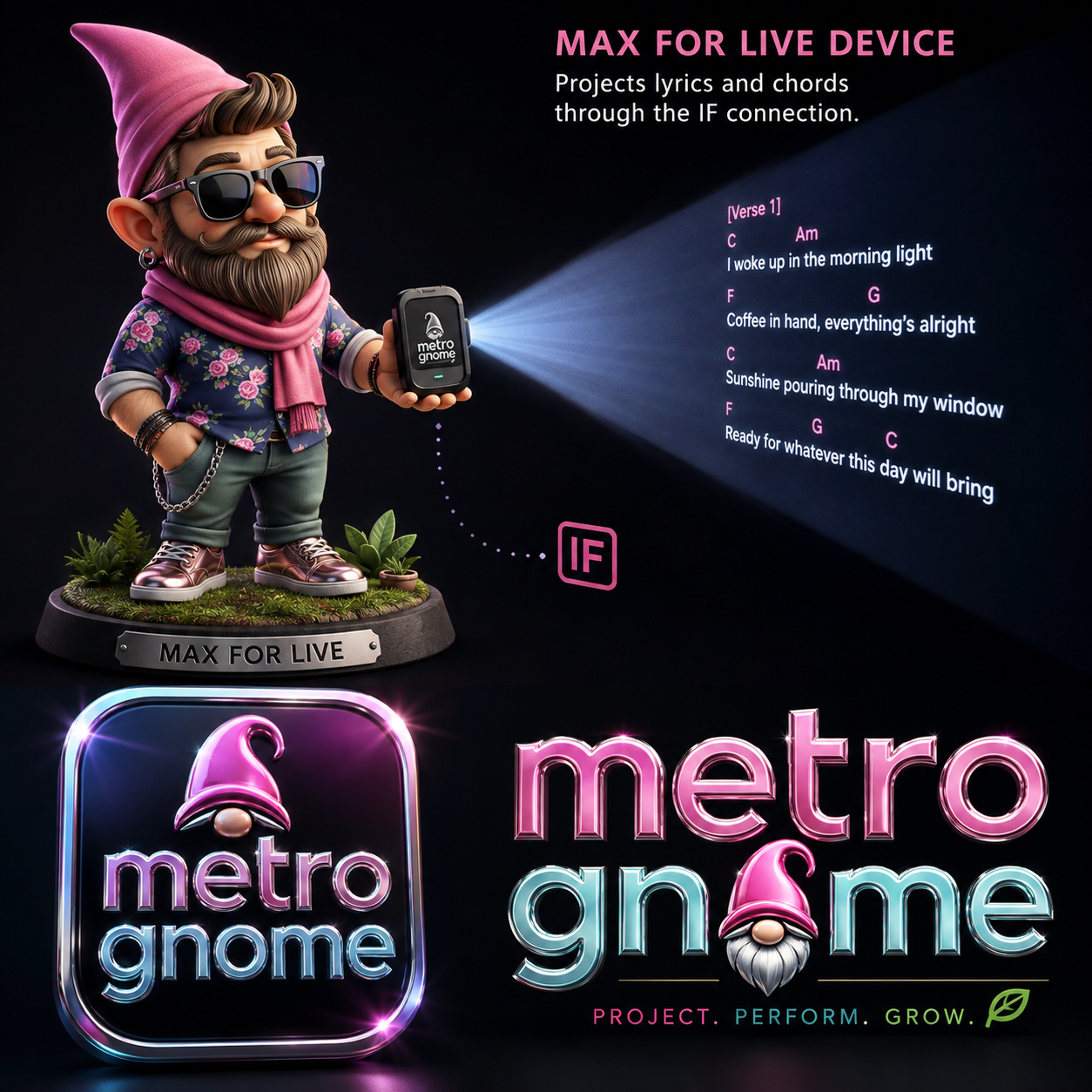
| Description: | TITLE Metro Gnome VERSION 0.1 Beta SHORT DESCRIPTION A Max for Live performance display system that sends lyrics and chord charts from Ableton Live to tablets, phones, stage screens, or projectors over your local Wi-Fi/LAN. FULL DESCRIPTION Metro Gnome is a live-performance companion for Ableton Live Session View. It turns scene and clip information into a readable remote display for musicians and performers. The bundle includes two Max for Live devices: • Metro Gnome - Lyrics — sends song/section lyrics to a browser display on port 8787. • Metro Gnome - Chords — sends chord-chart sections to a browser display/editor on port 8788. The workflow is built around Ableton Session View: the scene identifies the song and the playing clip identifies the current section. A second device on the same local network can open the Metro Gnome browser display without needing an Ableton installation. Useful for: • lyric monitors • chord-chart displays • keyboard/guitar stage reference • rehearsal rooms • projector displays • tablet-based live performance rigs REQUIREMENTS Ableton Live with Max for Live. Live 12 is recommended. The chord service requires Python 3. The lyric web display uses the included Node-for-Max support files in the current build. STATUS Beta. Built and tested as a working personal live-performance system; users should test their network and display setup before performance. CATEGORY SUGGESTIONS Utility / Performance / Visual / MIDI Device TAGS lyrics, chords, live performance, tablet, projector, wifi, session view, stage, browser, remote display |
Details
| Live Version Used: | 12.0.5 |
| Max Version Used: | 8.6.2 |
| Date Added: | Aug 11 2026 08:19:01 |
| Date Last Updated: | No Updates |
| Downloads: | 0 |
| ⓘ License: | None |
Average Rating
Log in to rate this device |
-n/a- |
Files
| Device File: | Metro Gnome - Chords.amxd |
Login to comment on this device.
Browse the full library