Device Details
Overview
| Name | Version: | TRACK TOGGLE 1.0.5 |
| Author: | maxinoize |
| Device Type: | Audio Effect |
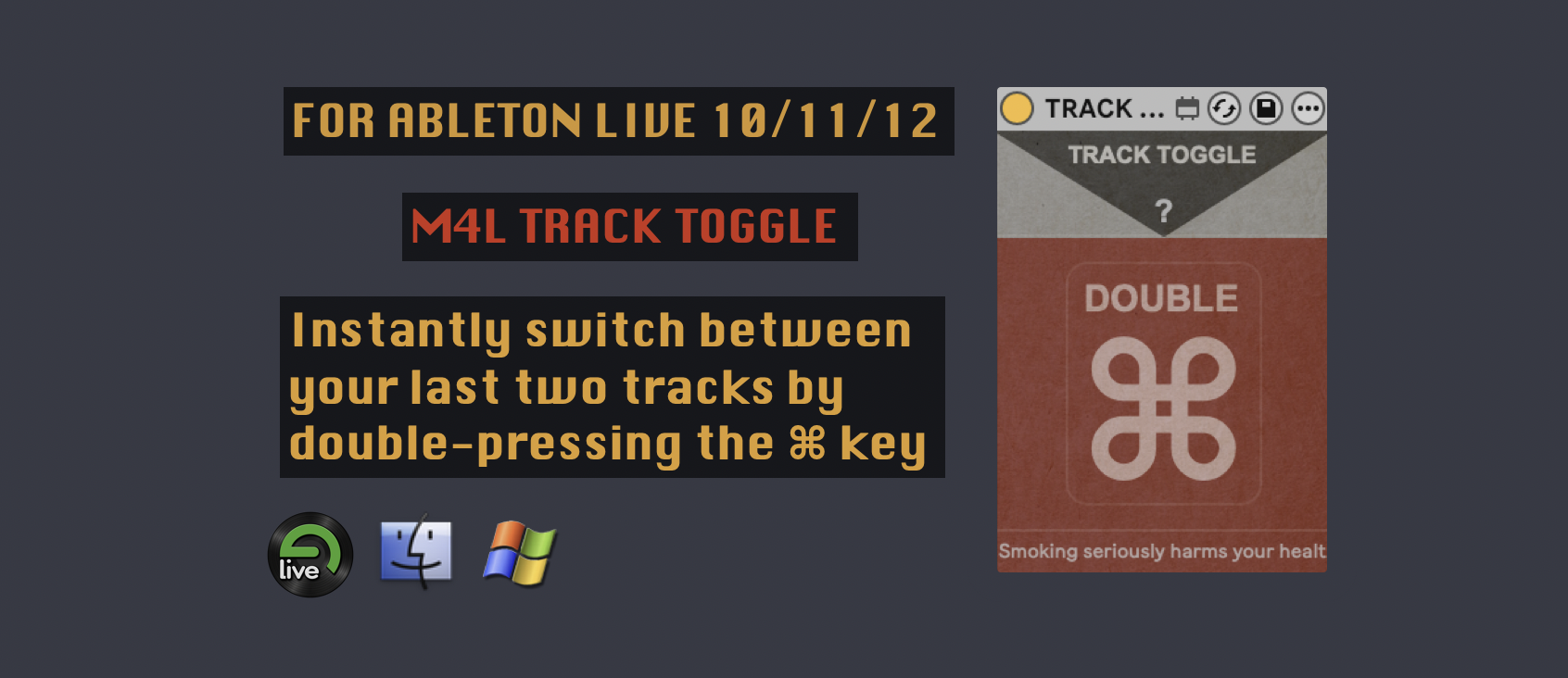
| Description: | TRACK TOGGLE is a Max for Live device that lets you instantly switch between the two most recently selected tracks in Ableton Live. Simply double-press the Command (⌘) key on your computer keyboard to jump back to the previously selected track. Double-press it again to return to the current one, creating a fast A/B toggle between your last two track selections. How It Works TRACK TOGGLE continuously remembers the last two tracks you selected. Example : 1) Select Track 1. 2) Select Track 4. 3) Double-press ⌘ → Track 1 becomes selected. 4) Double-press ⌘ again → Track 4 is selected again. The same behavior works with any track, including Return and Master tracks. Example : 1) Select Track 4. 2) Select the Master track. 3) Double-press ⌘ → returns to Track 4. 4) Double-press ⌘ again → returns to the Master track. Whenever you manually select another track, the device updates its history so the toggle always occurs between the two most recently selected tracks. |
Details
| Live Version Used: | 12.4.3 |
| Max Version Used: | 9.1.4 |
| Date Added: | Jul 22 2026 17:31:51 |
| Date Last Updated: | No Updates |
| Downloads: | 0 |
| Website: | https://www.maxinoize.com/p/track-toggle/ |
| ⓘ License: | Commercial |
Average Rating
Log in to rate this device |
-n/a- |
Comments
A simple but brilliant little device that is really useful in my workflow!
Posted on July 24 2026 by davidbirdwell42 |
Report Issue
Login to comment on this device.
Browse the full library