Device Details
Overview
| Name | Version: | On Cue - Audio Capture Sampler Recorder 1.1 |
| Author: | PhaseCtrl |
| Device Type: | Audio Effect |
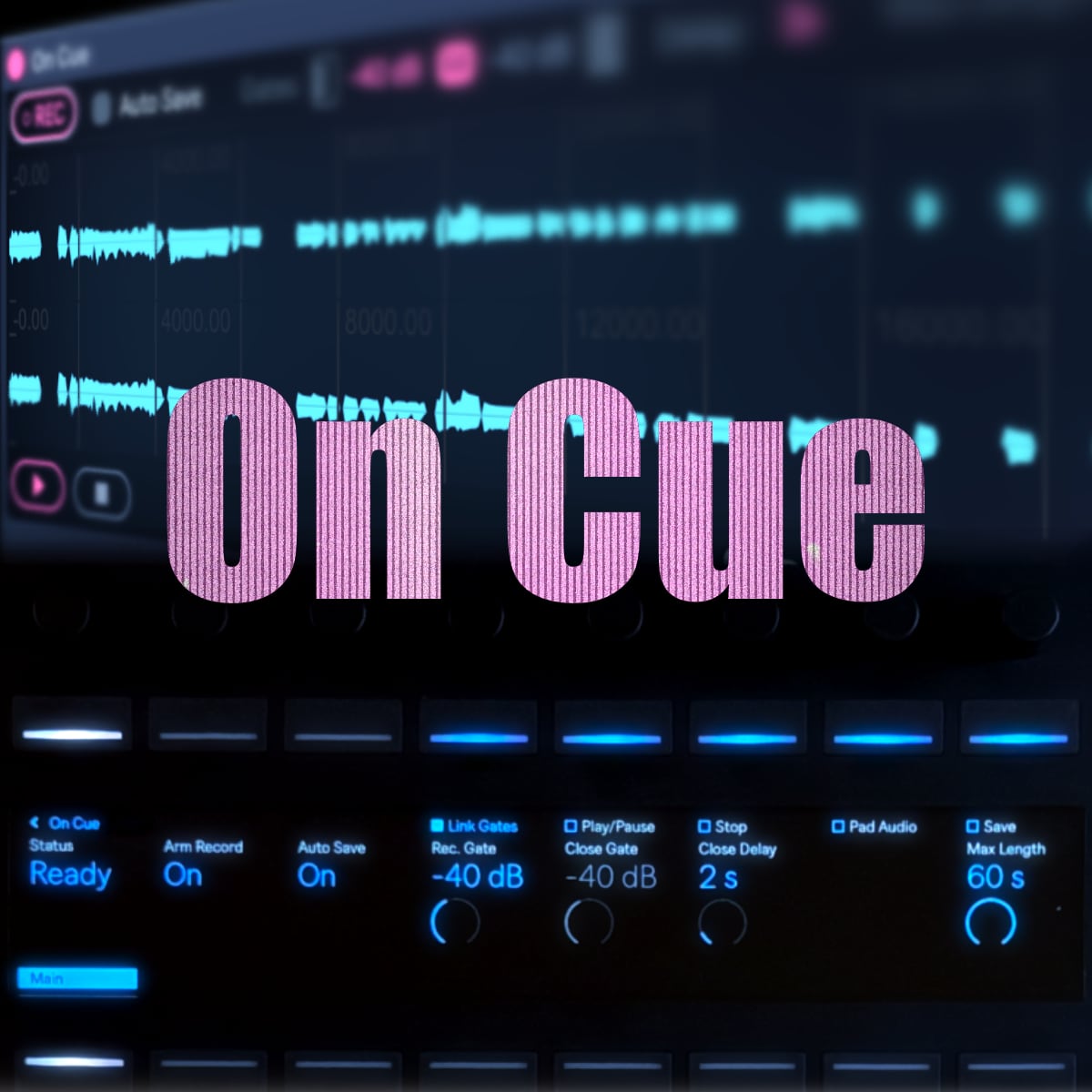
| Description: | *Latest update (v1.1) free demo available. - switch between seconds and bars for timing. - choose your warp mode before hand, turn it off, or leave it to your default. - choose to save as a wav or aiff file. On Cue is a Push standalone supported Max for Live device that records what's playing on a track and drops each take straight into a Session-View clip. Place it anywhere in your audio device chain to record the audio up until that point. # What to expect - Gate-based auto-capture. Starts on sound, stops on silence; you set the open/close levels and how long a pause ends a take. - Pre-roll — a little audio before the trigger is always kept, so soft attacks aren't clipped. - Hands-free multi-takes - with Auto-Save on, each take is saved automatically and is added a a clip. The device re-arms, so you can capture a whole session without stopping. - Your track stays clean— takes go to a separate audio track; your original is never recorded onto, and replay never runs back through its effects. - Push 3 — all controls on one page with a live status readout; works on Push 3 standalone. |
Details
| Live Version Used: | 12.4 |
| Max Version Used: | 9 |
| Date Added: | Jul 13 2026 10:43:38 |
| Date Last Updated: | Jul 13 2026 10:45:25 |
| Downloads: | 0 |
| Website: | https://phasectrl.gumroad.com/l/on-cue |
| ⓘ License: | Commercial |
Average Rating
Log in to rate this device |
-n/a- |
Login to comment on this device.
Browse the full library