Device Details
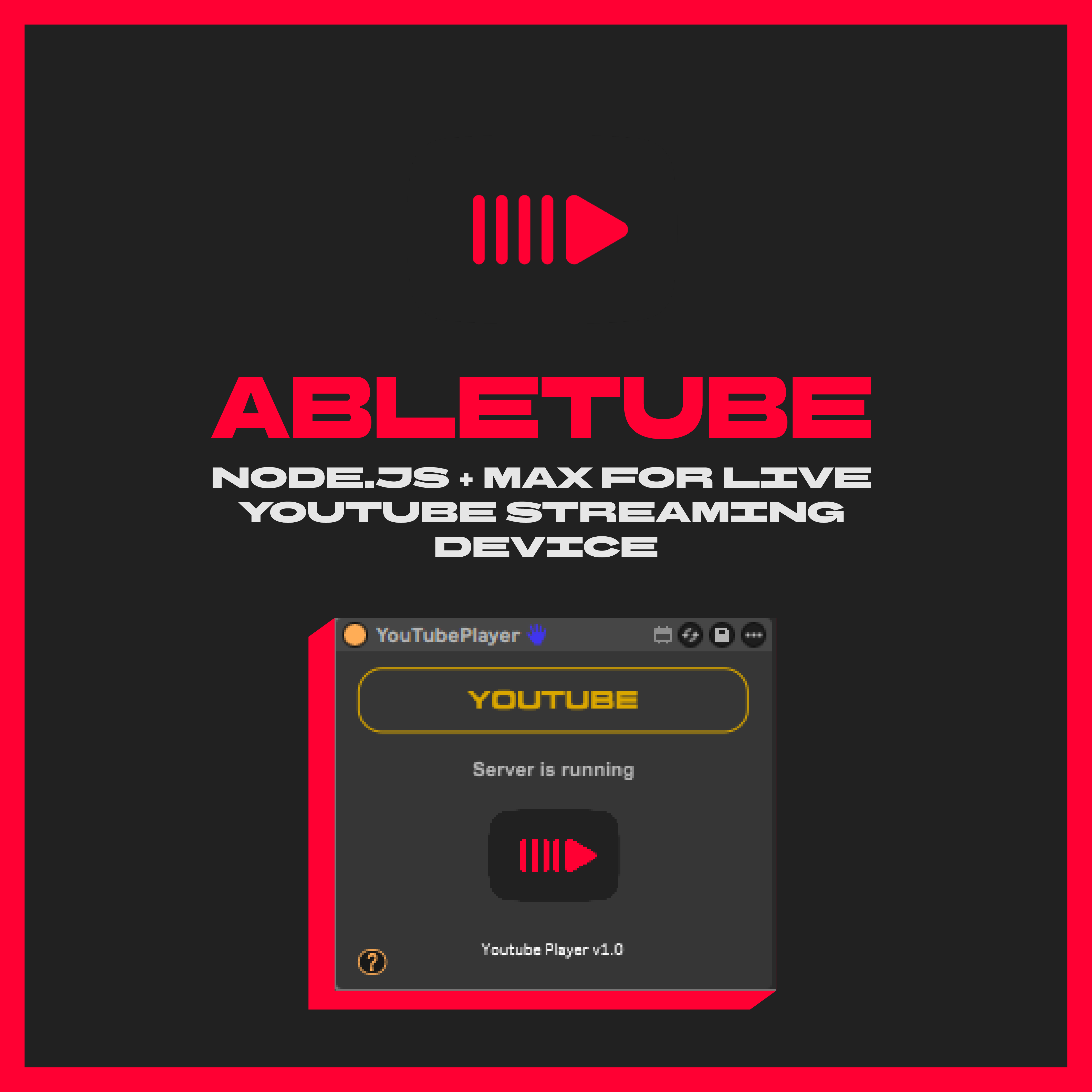
Overview
| Name | Version: | Abletube 1.0 |
| Author: | xterminatorapps |
| Device Type: | MIDI Effect |
| Description: | ABLETUBE - Stream YouTube Audio Directly Into Ableton Live Abletube is a Node.js Electron server + Max for Live device that streams YouTube audio directly into your Ableton session using Audio over OSC (AOO) protocol. HOW IT WORKS: - Load the Max device onto a MIDI track - Click the YouTube button to open the embedded browser - Audio streams via OSC directly into Ableton - Route to any track for recording or processing FEATURES: - Real-time YouTube audio streaming - Embedded Chromium browser (no external apps) - Low-latency Audio over OSC protocol - Pre-FX audio routing - Auto-launching server REQUIREMENTS: - Ableton Live 11 or 12 - Max for Live 8.1+ - Windows 10/11 or macOS 10.14+ - 48kHz sample rate recommended INCLUDES: - Abletube.amxd device - Electron server (auto-installs) - Windows & macOS installers - Custom fonts SETUP: 1. Run the installer 2. Load Abletube Max device onto a MIDI track 3. Click YouTube button 4. Create audio track, set input to Abletube track "Pre FX" 5. Set Monitor to "In" and arm the track Download includes lifetime free updates. More info: https://xterminatorapps.gumroad.com/l/abletube |
Details
| Live Version Used: | 12.2.5 |
| Max Version Used: | 9 |
| Date Added: | Jan 07 2026 19:21:56 |
| Date Last Updated: | No Updates |
| Downloads: | 0 |
| Website: | https://xterminatorapps.gumroad.com/l/abletube |
| ⓘ License: | None |
Average Rating
Log in to rate this device |
-n/a- |
Login to comment on this device.
Browse the full library