Device Details
Overview
| Name | Version: | Track Device View Lite 1.1.1 |
| Author: | KOMOFORGE |
| Device Type: | Audio Effect |
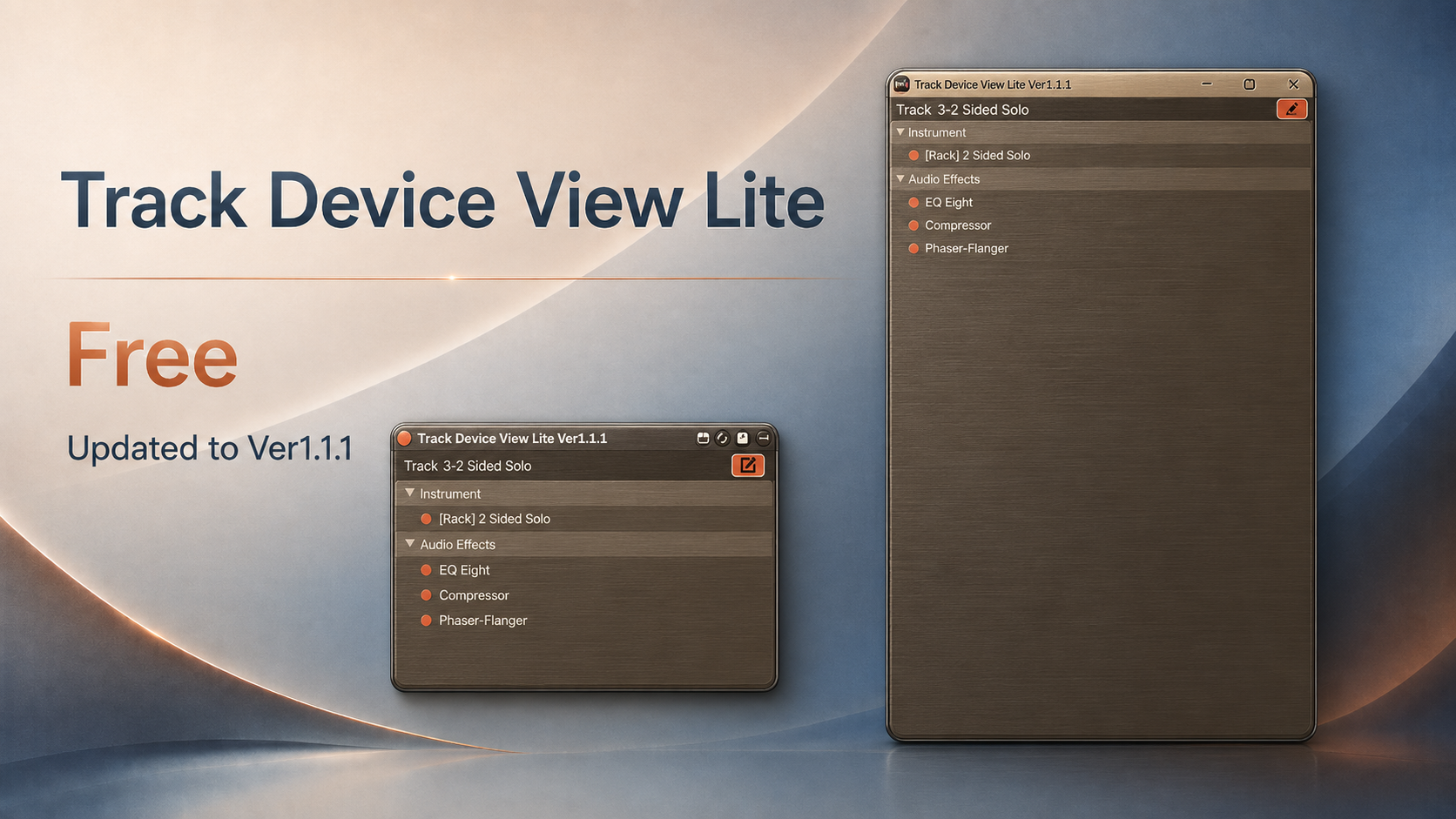
| Description: | Track Device View Lite is a free Max for Live utility for Ableton Live 12.x that displays the selected track's devices in a clear vertical list. When a track contains many devices, Live's horizontal Device View can become difficult to scan. Track Device View Lite gives you a simple overview of the selected track's device chain without constant horizontal scrolling. Open the pop-up window and switch tracks in Live; the window automatically follows the currently selected track. You only need to insert Track Device View Lite on one track. Features: * Easy-to-read list view of the selected track's devices * MIDI Effects / Instrument / Audio Effects sections * Toggle devices on/off from the main panel * Track-following pop-up window * View device on/off status in the pop-up window * Double-click a device name to select that device in Live's Device View * Pop-up window opens automatically when the device is inserted Lite limitations: * No Rack / Chain internal display * Racks are shown as a single [Rack] device * No device on/off control from the pop-up window * No multi-selection * No multi-device batch on/off * No Send name / value / slider display * No Return Track on/off control * No delete function For Rack / Chain browsing, multi-selection, pop-up window controls, Send / Return controls, Delete, and additional workflow features, see the full version: https://komoforge.gumroad.com/l/track-device-view Track Device View Lite does not process or change the sound. It is a utility for viewing and selecting devices on the currently selected track. --- Version 1.1.1 --- * Improved Live API startup handling and overall stability * Improved pop-up window behavior * Updated Lite behavior and UI text --- Version 1.0 --- * Initial release Requires Ableton Live 12 Suite or Ableton Live 12 Standard with Max for Live. Not compatible with Live Lite or Intro. Tested with Ableton Live 12.4.3 |
Details
| Live Version Used: | 12.4.3 |
| Max Version Used: | 9.1.4 |
| Date Added: | Jun 23 2026 02:06:47 |
| Date Last Updated: | Jul 22 2026 14:24:38 |
| Downloads: | 115 |
| ⓘ License: | None |
Average Rating
Log in to rate this device |
-n/a- |
Files
| Device File: | Track Device View Lite Ver1.1.1.amxd |
Comments
nice idea, the problem is the floating window disappear when you click on a different track (the floating window will come under the main window of ableton)
Posted on June 24 2026 by dosiafrank |
Report Issue
Thanks for your comment, dosiafrank. Ver. 1.1.1 adds a Pin button that keeps the pop-up window in front of Ableton Live when switching tracks.
Posted on July 22 2026 by KOMOFORGE |
Report Issue
Login to comment on this device.
Browse the full library